GB WhatsApp Not Working? Troubleshooting Guide
Many users love the advanced features of GB WhatsApp, such as hiding last seen, freezing online status, and custom themes. However, sometimes the app may stop working properly, crash, or fail to send messages.
This guide explains common issues, how to troubleshoot them step by step, and tips to keep GB WhatsApp running smoothly in 2026.
Why GB WhatsApp Might Not Work
GB WhatsApp is a third-party modified app based on WhatsApp. Unlike the official app, it is not supported by Meta.
This can lead to issues like:
- App crashes or freezes
- Login problems or authentication errors
- Message sending failures
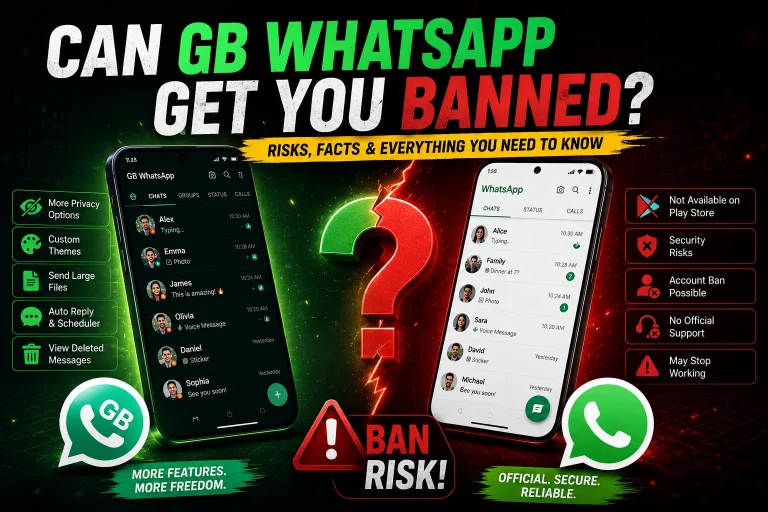
- Account bans or temporary suspensions
- Compatibility problems with Android versions
Understanding the root causes can help you troubleshoot effectively.
Common GB WhatsApp Issues and How to Fix Them
1️⃣ App Crashes or Freezes
Symptoms:
- App closes unexpectedly
- Freezes on loading screen
- Unable to open chats
Possible Causes:
- Corrupted APK or outdated version
- Cache overload
- Conflicts with other apps
Solutions:
- Update to the latest GB WhatsApp version
- Clear app cache: Go to Settings → Apps → GB WhatsApp → Storage → Clear Cache
- Reinstall the app from a trusted source
- Restart your phone and try again
2️⃣ Login Issues
Symptoms:
- Cannot log in using your phone number
- Verification code not received
- “Too many attempts” error
Possible Causes:
- Using a banned number
- Network issues
- Outdated version
Solutions:
- Make sure your phone number is active and can receive SMS
- Switch to mobile data or a stable Wi-Fi network
- Wait 24–48 hours if your number is temporarily blocked
- Reinstall the latest version from a trusted source
- Avoid using multiple GB WhatsApp versions on the same number
3️⃣ Messages Not Sending or Receiving
Symptoms:
- Sent messages remain with a single tick
- Messages fail to deliver
- Delays in notifications
Possible Causes:
- Internet connectivity issues
- Server-side restrictions
- Conflicts with official WhatsApp installed on the same device
Solutions:
- Check network connection and switch networks if needed
- Disable data saver or battery optimization for GB WhatsApp
- Clear app cache and restart the app
- Ensure you are not using both official WhatsApp and GB WhatsApp with the same number
4️⃣ Media Files Not Downloading
Symptoms:
- Images, videos, or audio files fail to download
- Thumbnails not visible
Possible Causes:
- Storage permission not granted
- Network issues
- Cache or corrupted files
Solutions:
- Grant GB WhatsApp storage permissions: Settings → Apps → GB WhatsApp → Permissions
- Ensure enough free storage on your device
- Clear app cache or reinstall the app
- Switch to a stable network (Wi-Fi recommended for large files)
5️⃣ App Not Compatible With Device
Symptoms:
- Cannot install GB WhatsApp
- Installation errors
Possible Causes:
- Older Android versions (< Android 5.0)
- Conflicts with system settings or security apps
Solutions:
- Use a compatible Android version (5.0 or higher)
- Enable Unknown Sources in Settings → Security → Install Unknown Apps
- Disable conflicting security or antivirus apps temporarily during installation
6️⃣ Account Ban or Temporary Suspension
Symptoms:
- You cannot log in
- “Temporarily banned” notification
- Messages fail to send
Causes:
- Using modified app versions violates WhatsApp terms
- Sending spam or bulk messages
- Frequent app updates or network switches
Solutions:
- Use a secondary phone number for GB WhatsApp
- Follow official WhatsApp usage guidelines
- If banned, wait for the temporary ban period to end
- Avoid frequent feature misuse that triggers Meta’s system
💡 Related Guide: How to Fix GB WhatsApp Account Ban
Tips to Keep GB WhatsApp Working Smoothly
- Always use the latest stable version
- Keep a backup of chats regularly
- Avoid multiple GB WhatsApp installations on the same device
- Only download APKs from trusted sources
- Avoid using GB WhatsApp for sensitive or financial communication
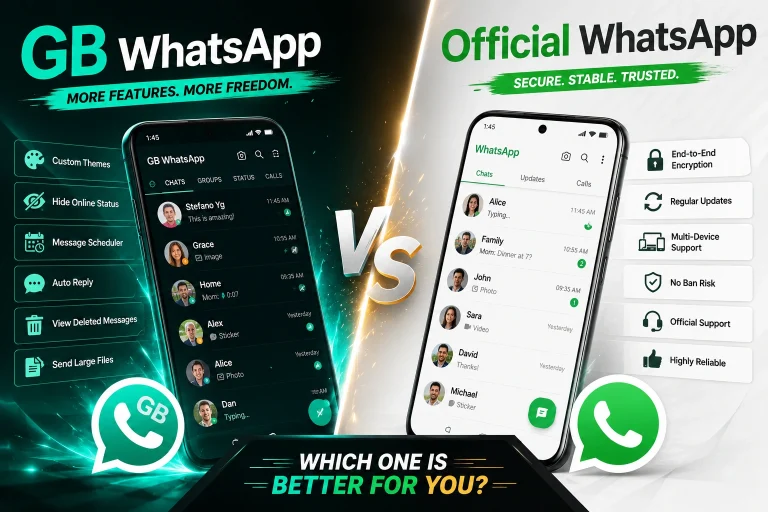
When to Consider Official WhatsApp Instead
If you experience frequent issues or cannot tolerate risk, switching to the official WhatsApp app is safer because:
- Official support is available
- End-to-end encryption is fully verified
- Google Play verifies app integrity
- No risk of account bans due to third-party modifications